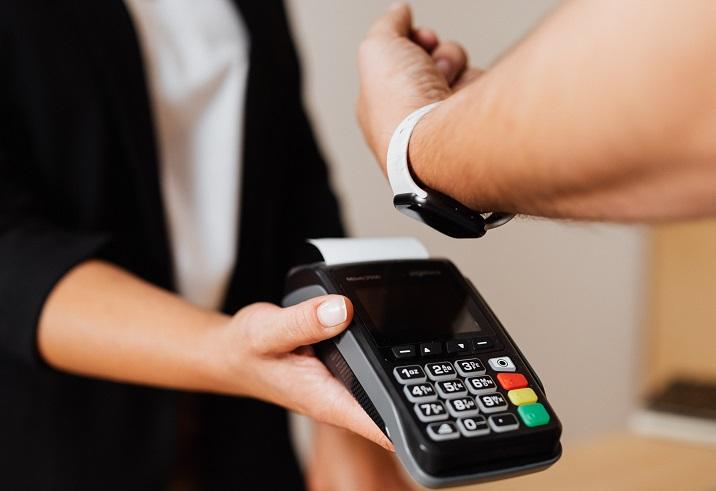
This article explains how NFC works on Apple Watch, what you can do with it, and how to enable NFC-related features such as Apple Pay, Home Keys, transit cards, gym passes, hotel keys, and more. Unlike Android smartwatches—which allow reading and writing NFC tags more freely—the Apple Watch uses NFC in a more controlled and security-focused way. This makes it excellent for payments and digital keys but limited for general NFC tag programming.
What NFC Can Do on Apple Watch?
Apple Watch includes a secure NFC chip used for a variety of high-security features within Apple’s ecosystem. The NFC chip inside Apple Watch is similar to the one used in iPhones, but Apple implements strict control over what third-party apps can do with NFC.
Here are the primary NFC functions available on Apple Watch:
- Apple Pay – contactless payments at supported terminals
- Express Transit – tap to access public transportation without unlocking
- Home Keys – unlock smart locks compatible with Apple HomeKit
- Hotel Keys – unlock compatible hotel rooms (e.g., Hyatt)
- Car Keys – unlock or start supported cars (e.g., BMW Digital Key)
- Student ID Cards – campus access, meal plans, library check-ins
- Gym Membership Passes – tap to enter participating gyms
Noticeably missing:
- General NFC tag reading – Apple Watch cannot read NFC URLs or raw NDEF data.
- NFC writing – Apple Watch cannot write or encode NFC tags.
- NFC automation triggers – unlike iPhones, the Apple Watch cannot run Shortcuts with NFC triggers.
Apple Watch's NFC is optimized for secure credentials rather than open NFC interactions.
How to Enable NFC on Apple Watch
Unlike Android devices, the Apple Watch does not provide a manual NFC toggle. NFC is always on for system-level functions such as Apple Pay, Home Keys, and Transit cards. However, enabling NFC-based features requires configuring them through the iPhone Watch app.
Here’s how to enable NFC features on Apple Watch for the most common uses.
Enable Apple Pay (NFC Payments)
- Open the Watch app on your iPhone.
- Tap Wallet & Apple Pay.
- Tap Add Card.
- Follow the steps to add a debit card, credit card, or prepaid card.
- When finished, the card becomes available on your Apple Watch for NFC payments.
Enable Express Transit
Express Transit lets your watch act like a transit card—no need to unlock it.
- Open the Watch app.
- Select Wallet & Apple Pay.
- Tap Express Transit Card.
- Choose the card you want to use.
Enable Home Keys (NFC Smart Locks)
- Pair your smart lock with the Home app on iPhone.
- When prompted, add the Home Key to your Apple Wallet.
- The key automatically syncs to your Apple Watch.
Enable Car Keys or Hotel Keys
Supported brands will provide the key through their app or via Wallet. Once added, it automatically appears on Apple Watch.
Can I Use My Apple Watch to Tap to Pay?
Yes. Apple Watch is one of the most convenient devices for contactless payments. It works anywhere that accepts NFC payments such as Apple Pay, Visa PayWave, Mastercard Tap & Go, and other contactless terminals.
How to use Apple Watch to tap to pay
- Double-click the side button.
- Select the card you want to use (if multiple cards exist).
- Hold the watch face near the payment terminal.
- You’ll feel a gentle haptic tap when the payment completes.
Where Apple Watch payments work
- Retail stores
- Restaurants
- Vending machines
- Parking meters
- Transit gates
- Online terminals that support Apple Pay on watchOS
Is tap-to-pay safe on Apple Watch?
Yes. Apple Watch uses:
- Secure Enclave – isolated chip for payment credentials
- Device tokenization – card numbers are not stored on the watch
- Two-factor pairing – watch is locked if removed from your wrist
As long as the watch detects your skin and stays unlocked, Apple Pay remains functional. The moment it is removed, NFC payment capability is disabled automatically.
What NFC Protocols Does Apple Watch Use?
Apple Watch uses NFC primarily under the following standards:
| NFC Function | Protocol Used | Description |
|---|---|---|
| Apple Pay | EMVCo Contactless, Tokenization | Secure payment transactions via NFC |
| Transit | MiFare, Felica, or EMV (region-dependent) | Used for metro, bus, tap-in gates |
| Home Keys | NFC-A, NDEF with Apple Secure Key format | Unlock HomeKit-compatible locks |
| Hotel Keys | NFC-A, Proprietary NDEF | Unlock hotel rooms |
| Car Keys | NFC Car Connectivity Consortium (CCC) | Unlock/start vehicles that support digital car keys |
Unlike Android, Apple Watch does not support generic NDEF reading such as reading tags with URLs, text, Wi-Fi credentials, or automation triggers.
How Reliable Is NFC on Apple Watch?
NFC on Apple Watch is extremely reliable because it is used only for highly secure functions rather than general reading/writing.
Advantages:
- Security-focused: encrypted NFC interactions
- Always on: no NFC toggle needed
- Fast response: nearly instant transactions
- Works offline for many features such as transit or hotel keys
- Battery-efficient: NFC is low-power
Limitations:
- No NFC tag reading for URLs, text, or Wi-Fi
- No NFC tag writing
- No NFC automations through Shortcuts
- Only works with Apple-approved formats
How to Use Apple Watch With NFC Keys (Home, Hotel, Car, Student ID)
Apple Watch excels at secure, tap-based access using NFC. Here’s how each type works.
Home Keys (Smart Locks)
- Install a HomeKit-compatible NFC smart lock (e.g., Schlage Encode Plus).
- Set up the lock inside the Apple Home app.
- Add the Home Key to your Wallet.
- Apple Watch syncs automatically.
- Tap the watch to the lock to unlock.
Hotel Keys
Supported hotels include Hyatt, IHG, Marriott (varies by region).
- Check in via the hotel's app.
- Tap Add to Apple Wallet.
- Hotel key syncs to Apple Watch.
- Tap to unlock your room.
Car Keys
- Use the automaker’s app (e.g., BMW Connected).
- Add the Car Key to Wallet.
- Apple Watch stores the NFC credential.
- Tap the door handle or NFC pad in the car.
Student ID Cards
- Open Apple Wallet.
- Tap Add Card > Student ID.
- Authenticate through your university.
- Tap the Apple Watch on campus readers.
Can the Apple Watch Read NFC Tags?
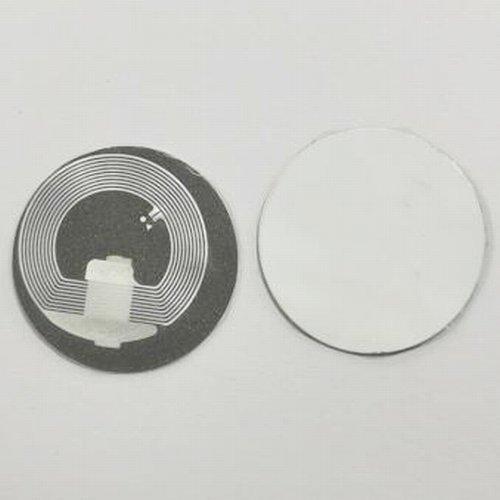
No. Apple Watch does not support reading generic NFC tags like:
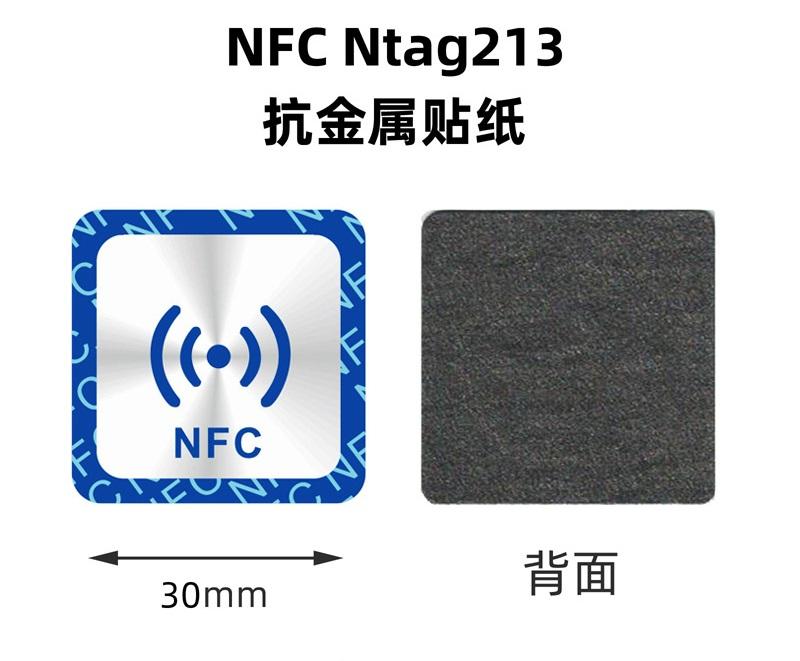
- NTAG213
- NTAG215
- NTAG216
- MIFARE Classic
- NFC Forum Type 2 tags
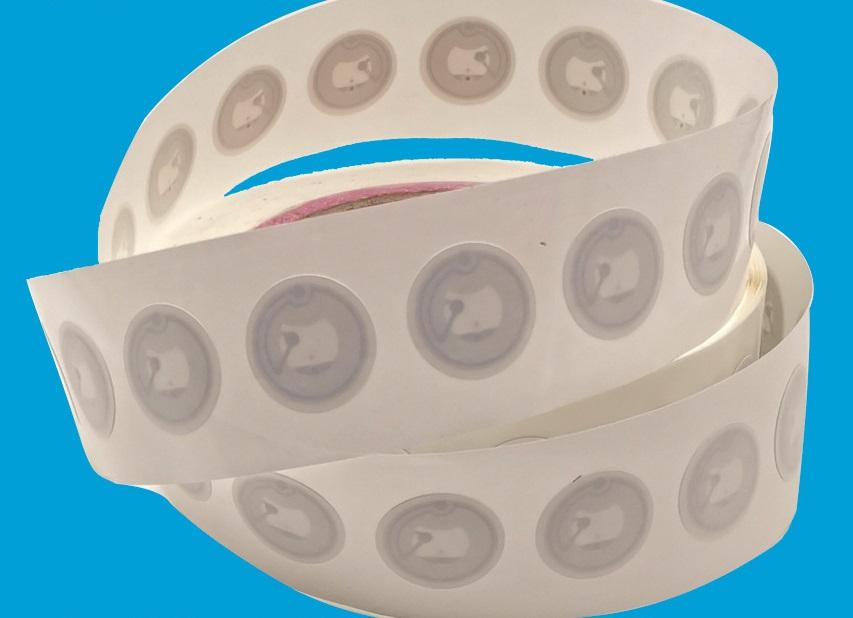
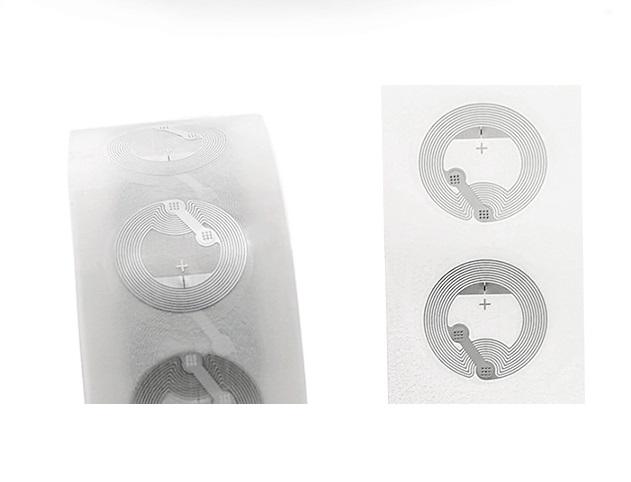
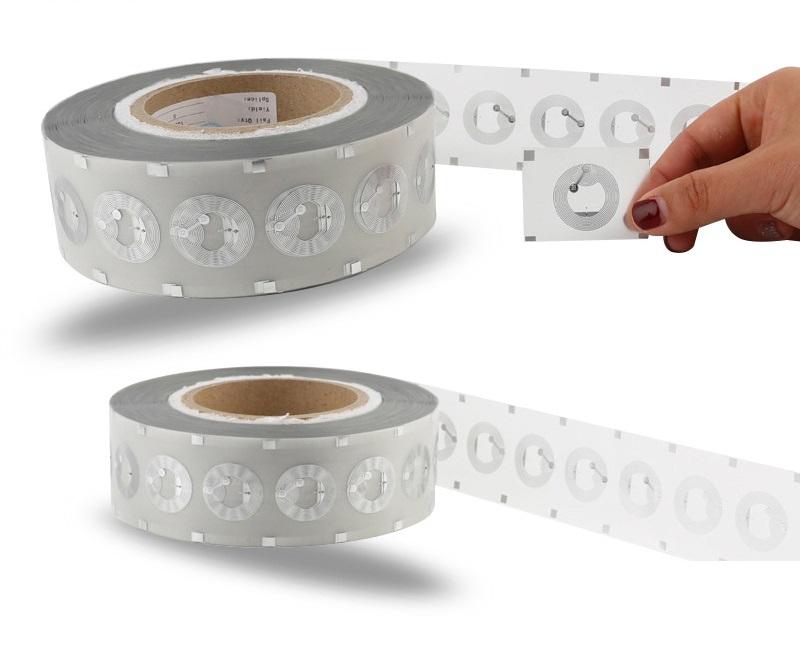
If you tap your Apple Watch on a typical NFC sticker, nothing will happen because watchOS has no system for interpreting general NDEF messages.
What about automations?
iPhones can trigger Shortcuts using NFC tags, but **Apple Watch cannot**. The automation system is not available on watchOS.
Apple Watch NFC vs iPhone NFC
| Feature | iPhone | Apple Watch |
|---|---|---|
| Apple Pay | Yes | Yes |
| Transit | Yes | Yes |
| Home / Hotel / Car Keys | Yes | Yes |
| Read NFC tags (URLs, text, etc.) | Yes (iOS 13+) | No |
| Write NFC tags | Yes (with apps like NFC Tools) | No |
| NFC Automations | Yes (Shortcuts) | No |
Apple Watch’s NFC features are intentionally limited for privacy and security, focusing on sensitive applications rather than general NFC usage.
Frequently Asked Questions
-
Does Apple Watch support NFC apps?
Only apps approved by Apple for secure credentials may use the NFC subsystem. There is no public NFC SDK for open development.
-
Can I program NFC tags with Apple Watch?
No. NFC tag writing is not supported.
-
Can the Apple Watch scan NFC business cards?
No. An iPhone is required for scanning NFC business cards or smart tags.
-
Does NFC drain battery on Apple Watch?
Not significantly. NFC is extremely low power and activated only at transaction time.