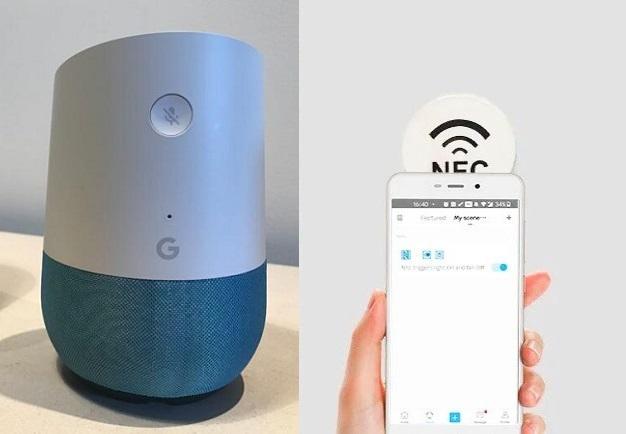
NFC technology has become increasingly popular for automating tasks and enhancing smart home experiences. One interesting use case is using NFC tags with Google Home devices to streamline routines, control smart devices, and simplify everyday tasks. This article explains how NFC tags can work with Google Home, what you can do with them, and how to set up NFC-enabled automation in your smart home.
Can NFC tags be used with Google Home?
Yes, NFC tags can be used with Google Home, but there are some limitations. Google Home devices themselves do not have built-in NFC readers, which means you cannot tap a Google Home device with an NFC tag directly. Instead, NFC tags are typically used with Android smartphones or tablets, which then trigger Google Home routines or actions through the Google Home app or Google Assistant.
Here’s how it works in practice: you place an NFC tag somewhere convenient, like near your front door, on your desk, or on a nightstand. When you tap the tag with your NFC-enabled phone, it can trigger a Google Assistant routine that communicates with your Google Home devices. For example, tapping a tag could:
- Turn on or off smart lights controlled by Google Home.
- Start a morning routine (play news, weather, or music).
- Adjust the thermostat via a smart thermostat integrated with Google Home.
- Run a "Good Night" routine, turning off lights and locking doors.
While NFC doesn’t directly communicate with Google Home devices, it acts as a trigger for your Google Assistant, which then sends commands to Google Home-compatible smart devices.
How NFC tags work with Android devices
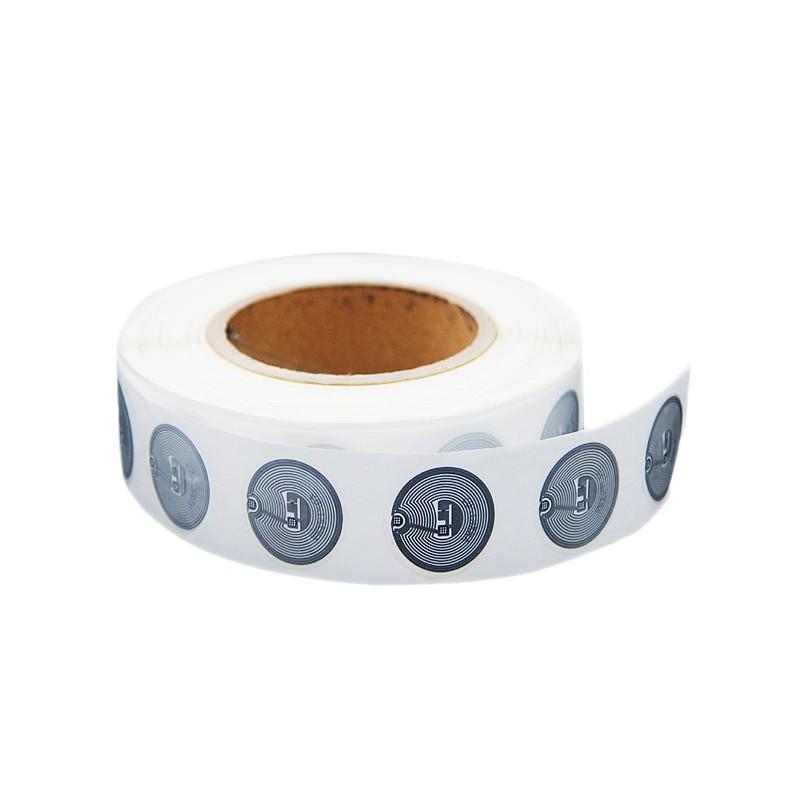
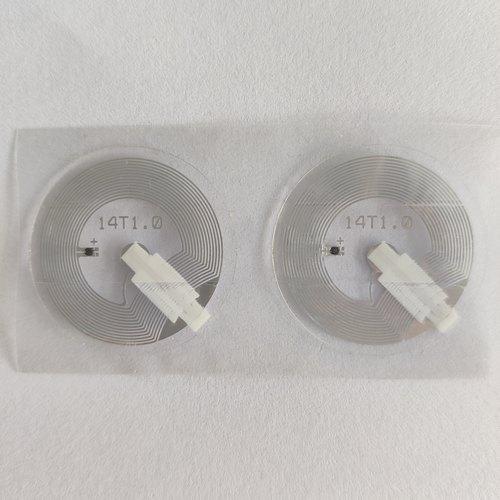
Before diving into specific use cases, it’s important to understand how NFC tags work with Android phones. NFC tags are small, inexpensive chips that can store data or trigger actions. Android devices can read these tags when tapped close, usually within 2-4 cm. The most common functions of NFC tags include:
- Launching apps – Tapping the tag can automatically open a specific app.
- Triggering automation – Using apps like Tasker, Google Home, or IFTTT, you can assign a routine or action to the tag.
- Sharing information – Tags can store URLs, Wi-Fi credentials, or text that can be read by another NFC device.
When paired with Google Home, NFC tags act as triggers for Google Assistant routines. Android users can use the Google Home app or third-party automation apps like Tasker + AutoVoice to configure actions that affect Google Home devices.
Setting up NFC tags for Google Home routines
To use NFC tags with Google Home, follow these steps:
-
Buy compatible NFC tags
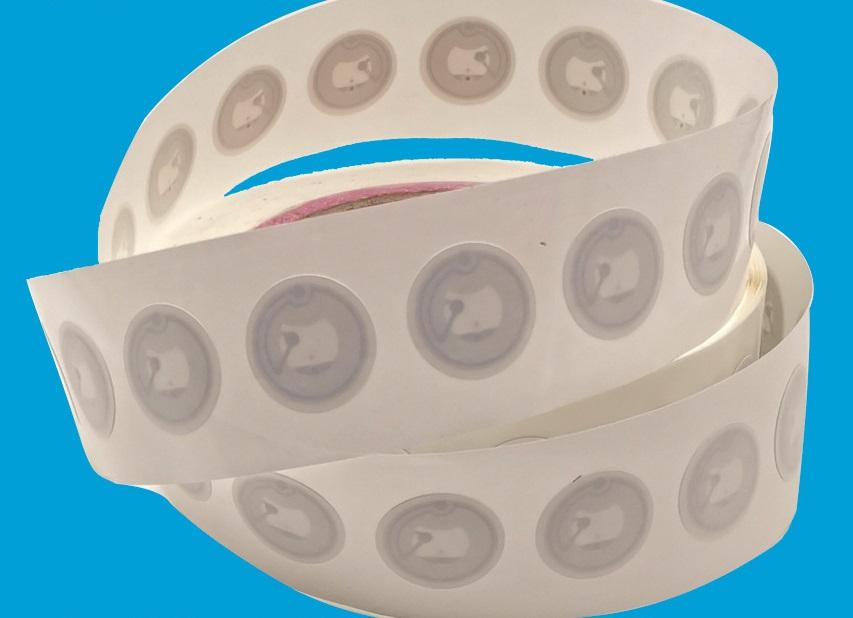
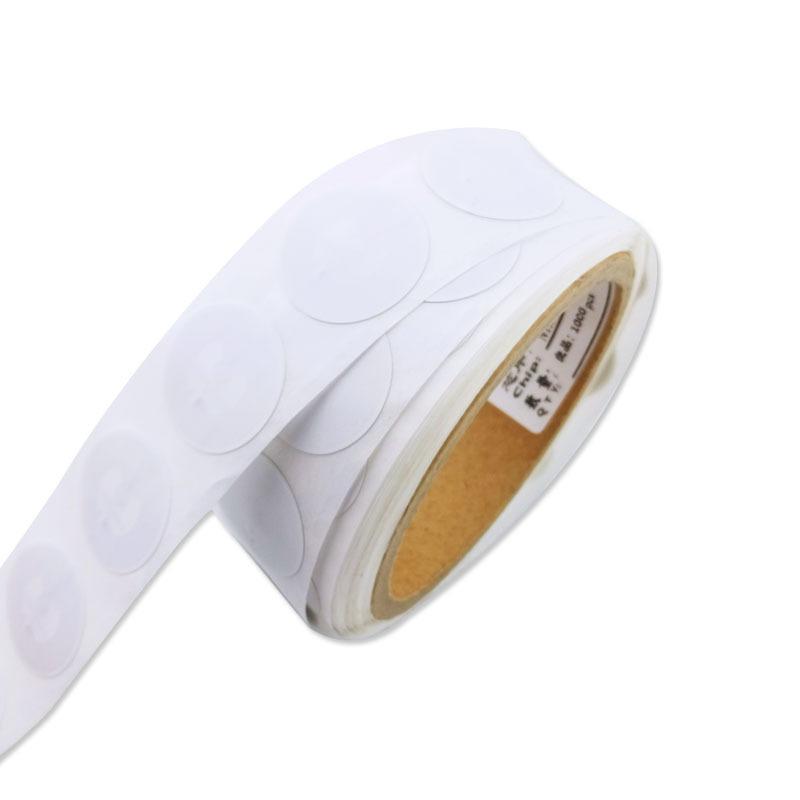
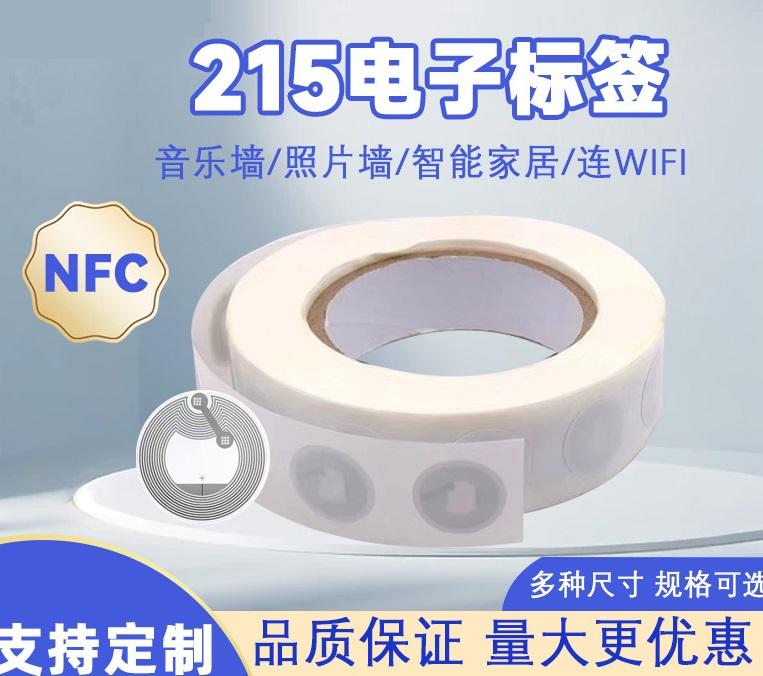
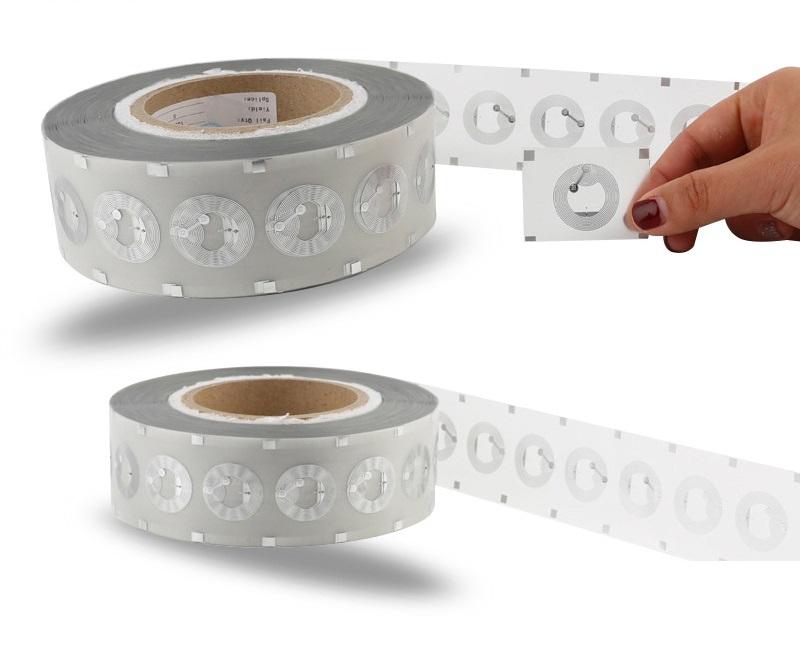
Not all NFC tags are created equal. Look for NTAG215 or NTAG216 tags as they are widely supported and have sufficient storage for complex automation tasks.
-
Install a trigger app
While Google Home itself doesn’t read NFC tags, Android apps like NFC Tools, Tasker, or Trigger can handle this. These apps can detect NFC taps and launch Google Home routines via Assistant commands.
-
Create a Google Home routine
Open the Google Home app:
- Tap "Routines".
- Create a new routine.
- Add actions like controlling smart lights, playing music, or adjusting smart plugs.
- Set a name for the routine (e.g., "Morning Coffee Routine").
-
Link NFC tag to routine
Using your NFC app, assign the routine’s trigger to the NFC tag. For example, using NFC Tools:
- Select "Write" → Add a task → Launch URL or Shortcut.
- Use an Assistant command or Tasker action that starts your Google Home routine.
- Tap the NFC tag with your phone to test.
Once this is set up, tapping your NFC tag will run the Google Home routine instantly.
Popular use cases for NFC tags with Google Home
NFC tags paired with Google Home unlock many practical and fun automation possibilities. Here are some popular examples.
Morning routines
Place an NFC tag on your nightstand. Tapping it could:
- Turn on bedroom lights gradually.
- Start playing your favorite morning playlist.
- Give you the weather forecast or calendar updates.
Arrival and departure triggers
Place NFC tags at entry points (like your front door). Tapping them could:
- Turn off or on smart lights.
- Set the thermostat to away/home mode.
- Trigger security cameras or smart locks.
Entertainment control
Set NFC tags near your TV or sound system:
- Start a movie night routine (dim lights, turn on TV, set volume).
- Play a specific playlist on Google Home speakers.
Home office automation
Place NFC tags on your desk to quickly:
- Start focus mode (turn on lights, mute notifications).
- Launch a conference call app or calendar event.
- Play background music for work.
Kitchen and cooking
Use NFC tags near cooking areas:
- Start a kitchen timer routine.
- Play a cooking playlist.
- Display recipe steps via Google Nest Hub.
Fitness and health routines
Place NFC tags in your gym or workout area:
- Start a workout playlist.
- Adjust smart lights for focus.
- Log workout start time to Google Calendar or fitness apps.
Limitations and considerations
While NFC tags are convenient, there are a few limitations when using them with Google Home:
- Google Home devices don’t read NFC – Tags must be tapped with an Android device first.
- iPhones are limited – iOS can read NFC tags, but automation options are more restricted compared to Android.
- Routine complexity – Some advanced automation may require Tasker or IFTTT for complex triggers.
- Location dependency – NFC tags are physical objects, so they only work when tapped in their location.
Understanding these limitations helps ensure your automation setup works smoothly.
Tips for maximizing NFC and Google Home automation
- Label your NFC tags – Keep them organized so you know what each tag triggers.
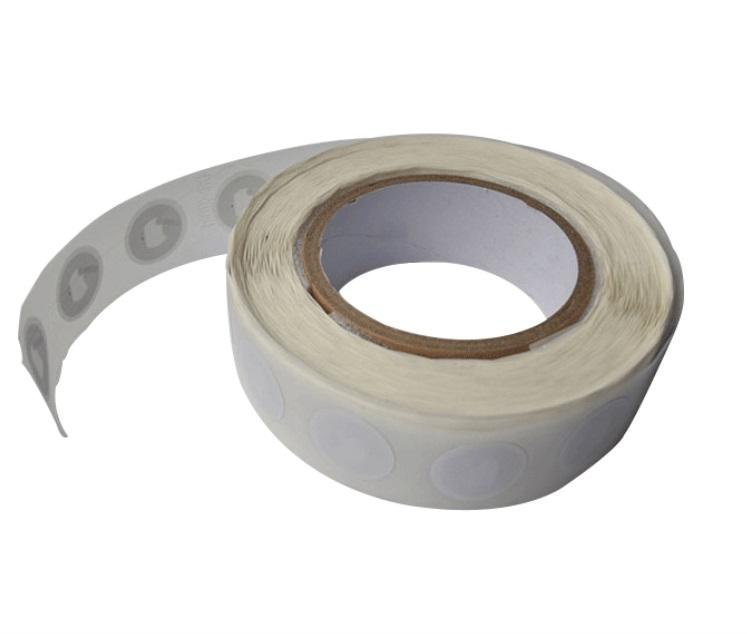
- Use stickers or keychains – NFC tags come in various forms; choose one that fits your home style.
- Secure your triggers – Avoid placing NFC tags where strangers can access them if they trigger home devices.
- Test thoroughly – Some routines may fail if network connectivity or device integration is unstable.
- Combine with voice commands – NFC tags can complement Google Home voice triggers, creating hybrid automation options.
Conclusion
Using NFC tags with Google Home provides a powerful way to streamline smart home automation. While Google Home devices don’t have built-in NFC readers, Android smartphones can act as intermediaries to trigger Google Home routines, making it easy to automate tasks, control devices, and simplify daily routines. From morning wake-ups to entertainment setups and security routines, NFC tags can be an inexpensive and flexible addition to your smart home ecosystem.
With careful planning, compatible NFC tags, and the right apps, anyone can create a highly functional NFC + Google Home setup that saves time and enhances convenience.